GRID Operational Management

A cloud-based operations management solution that gives you a holistic overview of resources and processes.

Contact us
GRID hero image

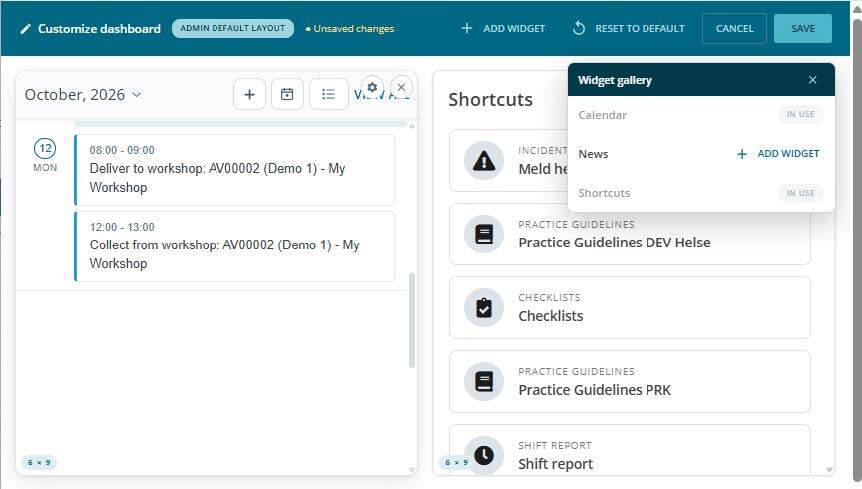
Bliksund GRID is a complete operational solution that streamlines your processes and resources. You get an overview of your crew, resources, competence and exercises, as well as shared procedures, guidelines and communication support.

The solution is modular and developed in close collaboration with professionals from the emergency and healthcare services. It can be tailored to your organisation's needs, always keeping the user experience in mind.  

The system is accessible from desktop and mobile, with updated checklists and practice guidelines, and is available offline. GRID makes it easy to keep track of resources such as equipment and vehicles, write incident reports, shift reports and more.

You have access to what you need when you need it.

GRID has made it much easier for us to keep track of checklists, exercises, equipment and other important information. Before, we didn't have a good overview of internal information, which was scattered both digitally and analog. GRID solved it all in one user-friendly platform that was incredibly quick to set up and implement

Kim Magnus Ruud

Fire Marshall
Sarpsborg Fire and Rescue Service

sarpsborg bild

Personell and competence

GRID takes care of all your needs to keep track of your staff's competence, courses, uniforms and exposures. 

Competence
The Competence tool provides the individual employee with predictability and a full overview of their own, current competence levels, whereas management can use it for planning exercises and courses. 

Courses
A content-rich service for managing courses throughout the process, including planning, participant management and registration of results and awards. Completed courses are automatically updated for each participant. Courses include planning dashboards and statistics, which provide you with an overview of ongoing and upcoming courses.

Exposure registry
Safeguard your statutory duties to document personnel’s exposure to harmful and toxic substances and make it part of your preventive HSE work. By registering all your employees’ exposures, you have the necessary documentation for external audits, and are able to provide the individual employee with access to their previous exposure history.

Communication

Enables quick and efficient communication in a shift work environment. You can communicate directly with individuals or groups via SMS and news bulletins. It allows you to schedule your send outs with predefined distribution lists, or publish directly to information screens. 

SMS
Give your employees easy access to send and receive SMS without being dependent on their personal mobile phone. 

News
Keep your employees informed through easy distribution of news bulletins. 

Information screen
Distribute information on monitors placed in your different departments.

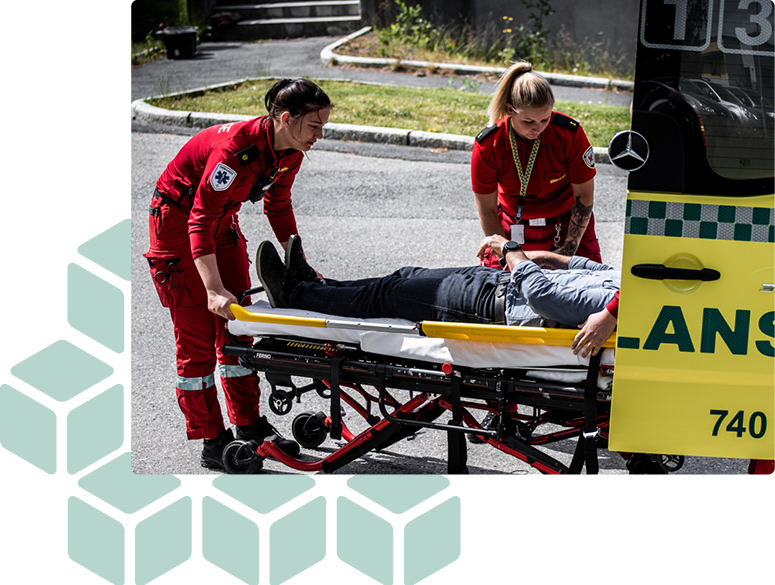
Ambulance workers help injured into an ambulance

Quality

Make sure your employees are always updated and have the insight and information needed to take the right decisions at the right time.

Guidelines
Ensure that everyone in your organisation follows the latest routines with an easy and safe way of distributing, managing, and updating the organisation’s guidelines. Being available on all devices with offline support, employees will always have access to the latest version. By using Guidelines you secure the quality of service within your organisation.

Incident Management Report
Incident Management makes it easy to report and manage incidents.You can register deviations, complaints and suggestions for improvements. Updated notifications about incidents ensure that the right person is informed for proper follow up. 

Shift Report
Offers personnel and managers a way of digitally reporting what has happened on duty during a shift. This provides the next shift team with a quick overview of the status and insight to ensure the quality and continuity of the service. 

Crisis management
A collaboration tool for handling large and small crises where your resources communicate to solve the challenges. Role-based users can post messages on a common board, allowing shared situational awareness. When the incident has ended, a complete log of the incident can be retrieved for documentation and learning.

Resource and information
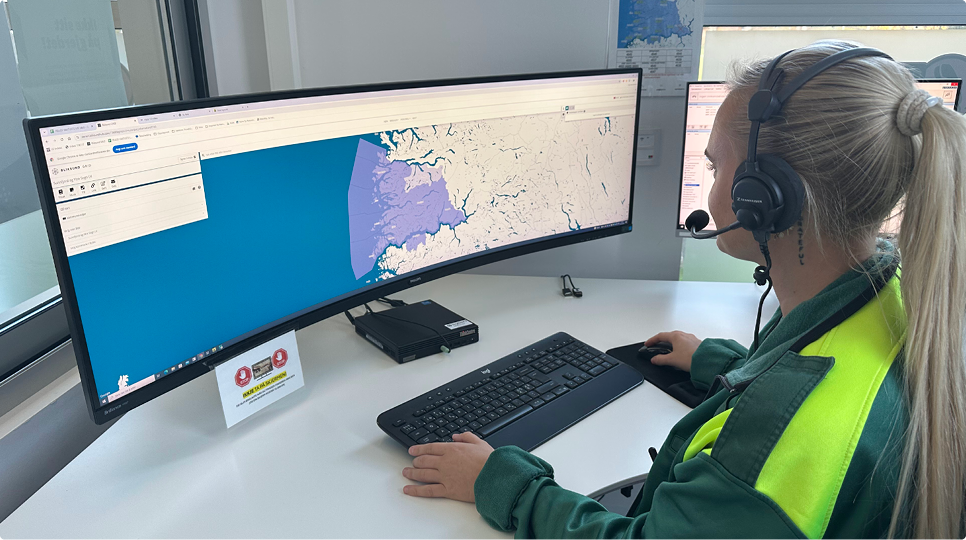
A map-based information system gives the user a quick overview of resources and important data related to their region, such as key contacts and points of interest. The system enables digital collaboration between regions, groups and services.

Equipment

Full overview and control of your equipment and vehicles. 

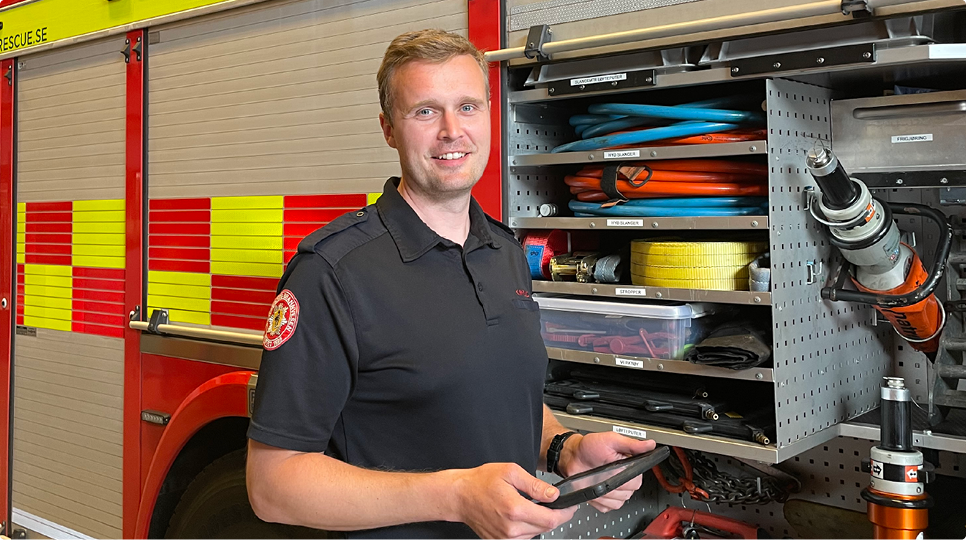
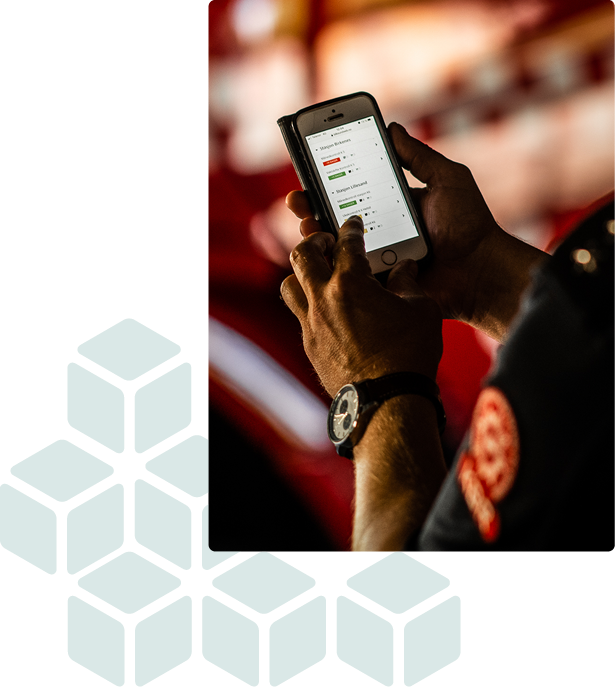
Keep track of your vehicles and equipment with properly digitised documentation. The current state of vehicles and equipment is documented using highly user-friendly and dynamic checklists. You get valuable and reliable information related to future investment needs and can ensure the quality of your equipment and tools.

Uniform
Keep track of your personnel’s uniform orders with order processing and stock inventory. Your staff can easily order uniforms and uniform-related equipment and track their orders and inventory. You get a full overview of what is in stock, as well as orders from your suppliers and personnel.

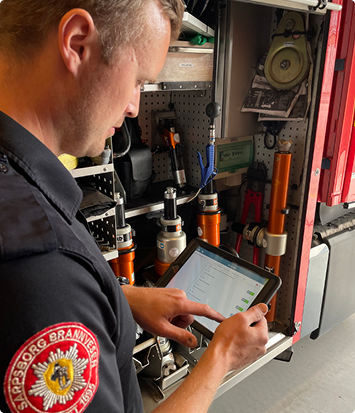
Firefighter stands in front of fire truck and uses GRID to check equipment

GRID on G-Cloud


HM Government G-cloud supplier logo


Bliksund GRID is available on the Crown Commercial Services Digital Marketplace, a national framework agreement for UK public bodies.

For more information, see Bliksund on G Cloud.

Cyber essentials certified logo

Bliksund is a Cyber Essentials certified vendor.

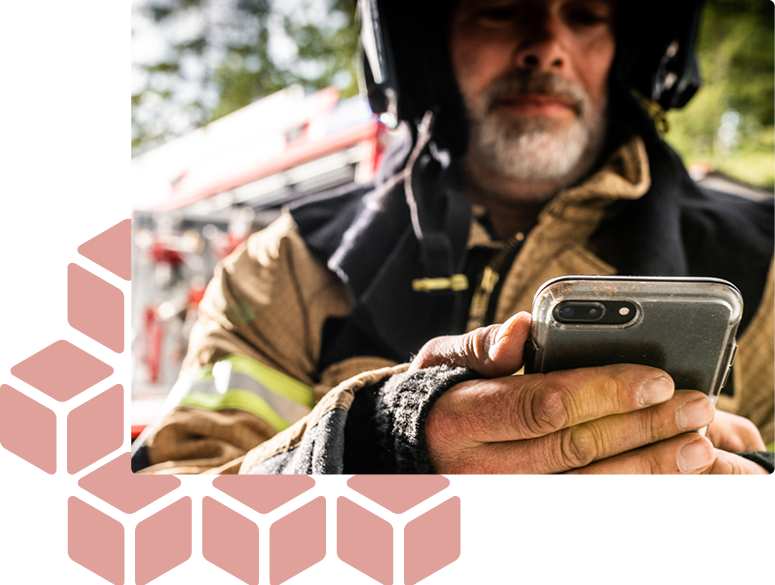
Fire fighter using GRID next to HM government G-Cloud supplier logo
Go to blog and news

Got questions about GRID?

  What is Bliksund GRID?
Bliksund GRID is a cloud-based operational management system for emergency services. It brings communication, personnel management, equipment oversight, and quality assurance into one platform, available on both desktop and mobile. It is scalable from small volunteer organisations to large ambulance, fire, and rescue services. 
  What does GRID actually replace in our daily operations?
GRID digitalises the workflows that emergency services typically manage across spreadsheets, paper forms, and disconnected tools. This includes shift reporting, equipment checklists, competence tracking, course management, incident reporting, and internal communication, all accessible from one place on any device. 
  Is GRID modular or do we have to take the whole system?
GRID is fully modular. You choose exactly the modules your organisation needs, whether that is a single module or a combination across any area. Modules are grouped into four categories for overview purposes: Communication (news, SMS, info screens, documents), Personnel (competence, courses, uniform), Equipment (assets, checklists, vehicles), and Guidelines & Quality Assurance (guidelines, shift reports, incident reports). But the categories are not packages, you can pick any individual module regardless of category and expand at your own pace as needs grow. 
  How does GRID help us stay on top of equipment and vehicle readiness?
The Equipment category gives a complete overview of assets, vehicles, and checklists. Crews can run structured equipment checks before a shift, vehicle service intervals are tracked automatically, and managers get instant reports on what is ready for use and what needs attention, reducing the risk of deploying with faulty or missing equipment.
  How does GRID handle competence and training requirements?
The Personnel modules give managers a live overview of each crew member's qualifications, certifications, and training history. Upcoming courses are managed inside the system, attendance is tracked, and competence records update automatically when a course is completed. This ensures your organisation always has documented proof of current qualifications.
  Can GRID help us manage incident reporting and quality improvement?
Yes. The Incident Report module makes it straightforward for personnel to log deviations and incidents from any device. Case handlers are notified automatically, can gather further information, and assign corrective actions. Managers get graphical reports and statistics, making it easier to identify patterns and drive systematic quality improvement.
  Which platforms does CRS run on?
GRID is cloud-based and designed for fast setup. Because it is modular, implementation can start with the most critical workflows and expand gradually. The system is built in close collaboration with emergency services professionals, so it fits existing operational structures without requiring significant process changes upfront.